
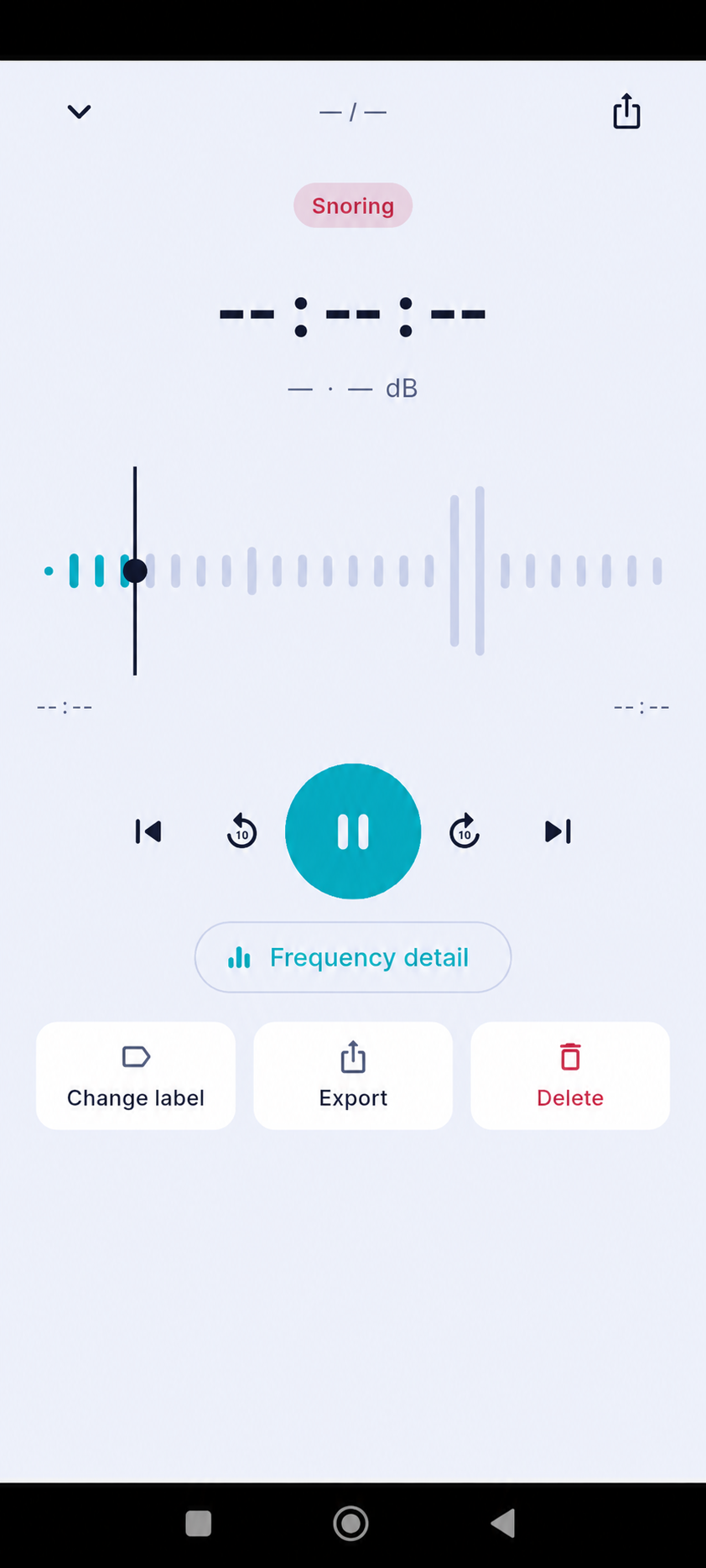
A sleep audio clip is a small piece of information, not a complete account of the night. Playback controls and a waveform can help you inspect what was captured, while a suggested label offers a quick way to organize it. The most useful review combines listening with timing, room context, privacy choices, and the limits of automatic sound classification.
Use the controls to listen carefully
Play the clip at a comfortable volume and pause or replay only the part you need to review. If the app offers short skips, use them to compare the beginning and end of the sound without repeatedly starting over. Headphones are optional; choose a listening setup that does not disturb anyone else.
A waveform visualizes changes in sound intensity over time. It is not a medical measurement and does not identify a person or source by itself. A tall shape can reflect many kinds of noise, so use the waveform as a navigation aid rather than as a verdict.
Read the label as a suggestion
The displayed category can help sort clips, but audio captured in a bedroom may be faint, muffled, or mixed with background noise. Compare the label with what you hear. If the clip is unclear, leave it as uncertain or use an available option to correct the label; you do not need to force a precise classification.
A category such as snoring, coughing, or talking describes an app’s interpretation of a sound. It does not establish why the sound occurred, who made it, or whether it has health significance. Avoid using one clip to make conclusions about another person.
Consider when and where it was recorded
Check the clip’s place in the session timeline if that information is available. The surrounding minutes may help distinguish a brief event from ongoing room noise. Think about the environment too: a fan, television, pet, partner, open window, or shifted phone can change the audio that reaches the microphone.
When comparing nights, keep notes about major changes in setup and routine. This context can explain why clips sound different without assuming that sleep itself changed. Personal notes are most useful when they describe what you noticed, not a medical conclusion.
Protect recordings and set realistic expectations
Before exporting or sharing a clip, consider whether anyone could be identified and whether you have their permission. Review the app’s retention and deletion controls so saved audio matches your preferences. If you no longer need a clip, delete it using the controls provided by the app.
AuraSleep is a wellness app, not a medical device. A clip or sound label cannot diagnose a sleep or breathing disorder. If you have persistent concerns, witnessed breathing pauses, or substantial daytime sleepiness, speak with a qualified healthcare professional.
Review a sleep audio clip by listening calmly, checking the label against the sound, and considering the timeline and room context. Treat the waveform and category as organizational aids, protect other people’s privacy, and avoid turning a short recording into a diagnosis.
Sources
- NHLBI: Healthy Sleep Habits · View source
- AASM/SRS: Recommended Amount of Sleep for a Healthy Adult · View source