
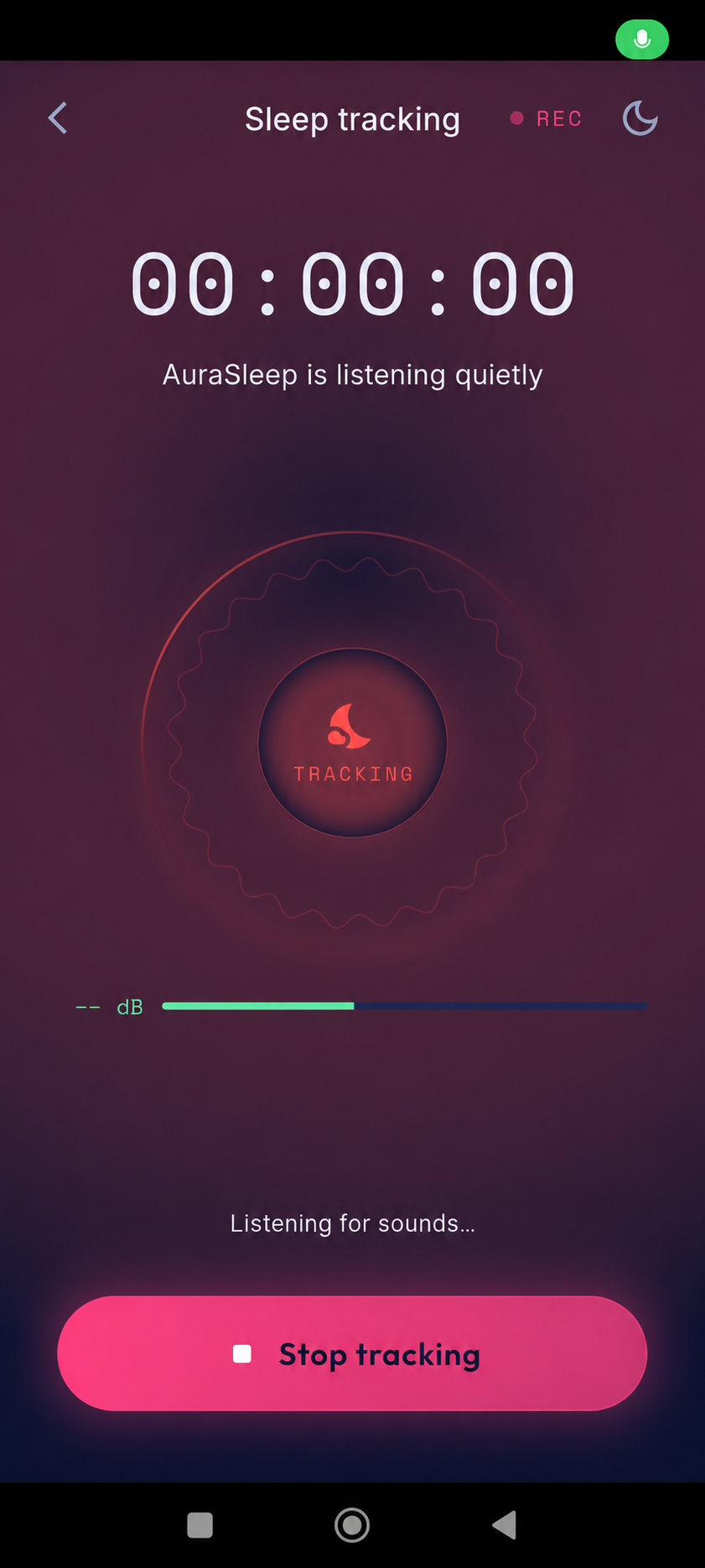
Starting a night of sleep tracking is easiest when the setup is simple and repeatable. A phone-based sleep app can help you review selected overnight sounds and keep notes, but it does not measure every part of sleep or diagnose a condition. Treat the first session as a chance to learn the controls and decide whether the routine feels comfortable.
Prepare the space before bedtime
Choose a stable surface for your phone, keep it connected to power if needed, and make sure the microphone is not covered. Place the device where it can capture the room without being at risk of falling. A quiet minute before starting can also help you check that the app is ready and the screen is showing the tracking state.
Keep your setup consistent for a few nights if you want to compare your own notes. Do not change several room or device settings at once; otherwise, it may be hard to tell which change affected what you heard or how the session felt.
Check permissions and privacy settings
Review the microphone permission requested by the app and read its privacy information so you understand how audio and session details are handled. Choose retention and deletion options that fit your preferences. If you share a room, let the other person know before recording and consider whether tracking is appropriate for everyone present.
Permission settings are controlled by your phone, while an app may provide additional choices for its own data. If anything is unclear, pause and review the relevant settings before beginning. Do not record someone without their knowledge or consent.
Start the session and let the routine stay simple
Open AuraSleep, check the tracking screen, and begin the session when you are ready to settle down. Keep the phone in its chosen place and follow the app’s instructions rather than repeatedly checking the timer. If a setting or alert interrupts your bedtime, make a note and adjust the setup the next evening.
The first night is a setup check, not a test you can pass or fail. A short or unusual session may reflect a late bedtime, a device change, or a simple interruption. Avoid drawing broad conclusions from one recording.
Review observations in the morning
When the session is complete, review any sound events or notes in context. A detected sound is a prompt to listen or reflect, not proof of a specific event or health issue. If you keep a sleep diary, note a few useful details such as your schedule and how rested you felt, then look for patterns across multiple nights.
AuraSleep is a wellness app, not a medical device. Recordings and estimates cannot diagnose sleep disorders. Discuss persistent sleep concerns, breathing pauses, or pronounced daytime sleepiness with a qualified healthcare professional.
A useful first night of sleep tracking is a comfortable, privacy-aware setup followed by a calm review. Keep the routine consistent, treat sound detections as observations, and use several nights of context rather than expecting one session to explain your sleep.
Sources
- NHLBI: Healthy Sleep Habits · View source
- AASM/SRS: Recommended Amount of Sleep for a Healthy Adult · View source