
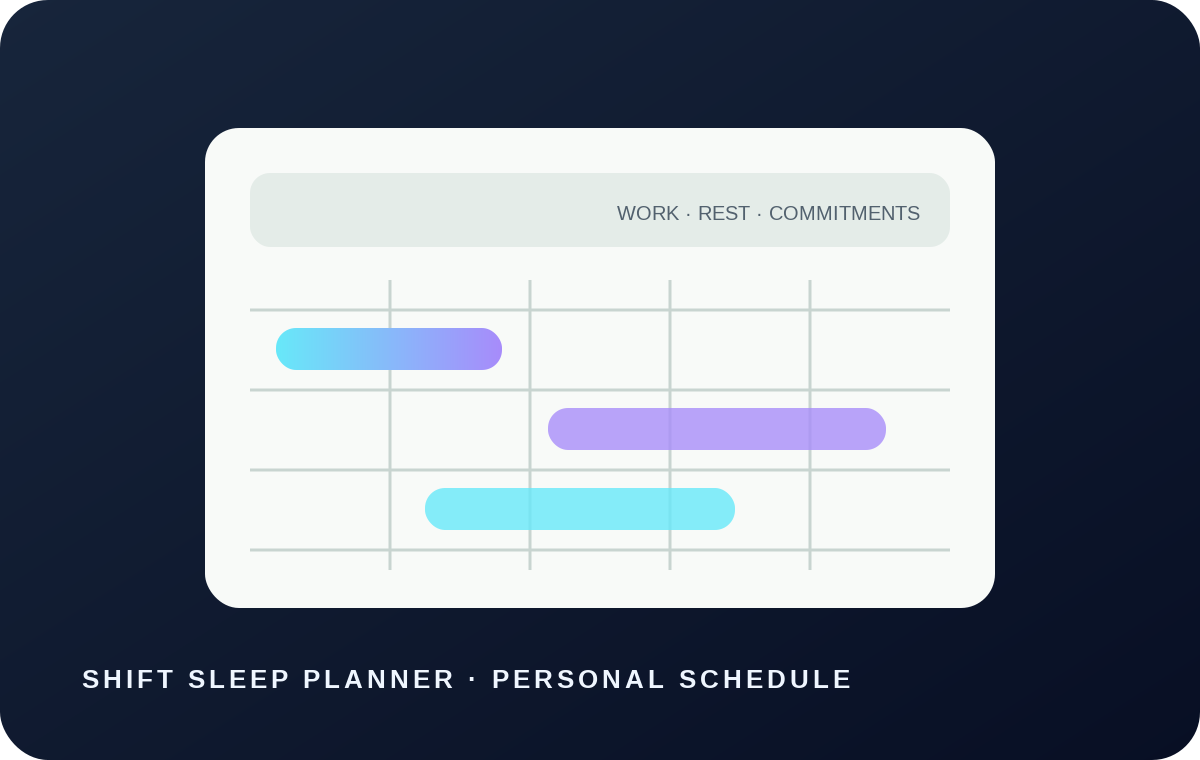
A shift plan template is most useful when it shows the day around work, not just a start time and a finish time. A night duty may cross midnight; travel and handover can consume time that a roster leaves blank; and a provisional shift can change before the week begins. This guide lays out a personal template that separates confirmed facts from estimates, then shows how to review it after a change. It is designed to improve visibility and communication, not to decide whether a roster is safe or compliant. Research on shift-worker sleep supports taking the schedule context seriously, while also showing that many individual countermeasures have uncertain evidence. A clear plan helps you ask better questions; it cannot replace sound workplace scheduling or professional advice.
Start with confirmed commitments
Record the calendar date, shift label, scheduled start and end, work location, and status: confirmed, provisional, or changed. Add travel, handover, preparation, caregiving, and fixed appointments as separate blocks. Do not hide a 30-minute handover inside the shift end if you still need to travel home afterward. The template should show when you are actually free, rather than imply that a blank calendar cell is automatically rest time.
Add sleep opportunities, not promises
After entering work and fixed commitments, identify the remaining time that could be used for a wind-down, sleep, meals, and getting ready for the next duty. Label this as an opportunity, not a prediction that sleep will happen for the entire interval. If a late finish or a family responsibility changes the available time, update the blocks and look at the next transition as well as the current day.
Make changes easy to audit
Give each shift a status and a last-checked date. When the published roster changes, update the personal plan and record the old-to-new difference in a brief note, such as “Wednesday start moved from 08:00 to 10:00.” Avoid leaving both entries active; duplicate shifts can make a week look busier than it is. If a change affects transport, childcare, or a handover, note who needs an update and by when.
How Shift Sleep Planner fits
Shift Sleep Planner can place individual shifts on a calendar, keep fixed commitments visible, and show possible open windows around work. You can update an entry when the roster changes and include preparation or travel time so the plan better resembles the day you actually have. The app is a personal planning aid; it does not certify a roster as safe, legal, or compliant, and it does not measure sleep or fitness for work.
A practical shift plan template records the real start and finish, marks overnight dates clearly, includes travel and handover, and shows what is confirmed versus estimated. Use it to spot questions and revise your personal plan when the roster moves. Research supports taking shift-work sleep constraints seriously, but a template cannot guarantee sleep, determine fitness for work, or replace employer scheduling responsibilities.
Sources and further reading
- NIOSH — Work Organization Strategies for Nurses · View source
- NIOSH — Fatigue and Work · View source
- Which individually-directed non-pharmacological interventions are effective at improving sleep outcomes in shift workers? A systematic review of systematic reviews (2025) · View source