
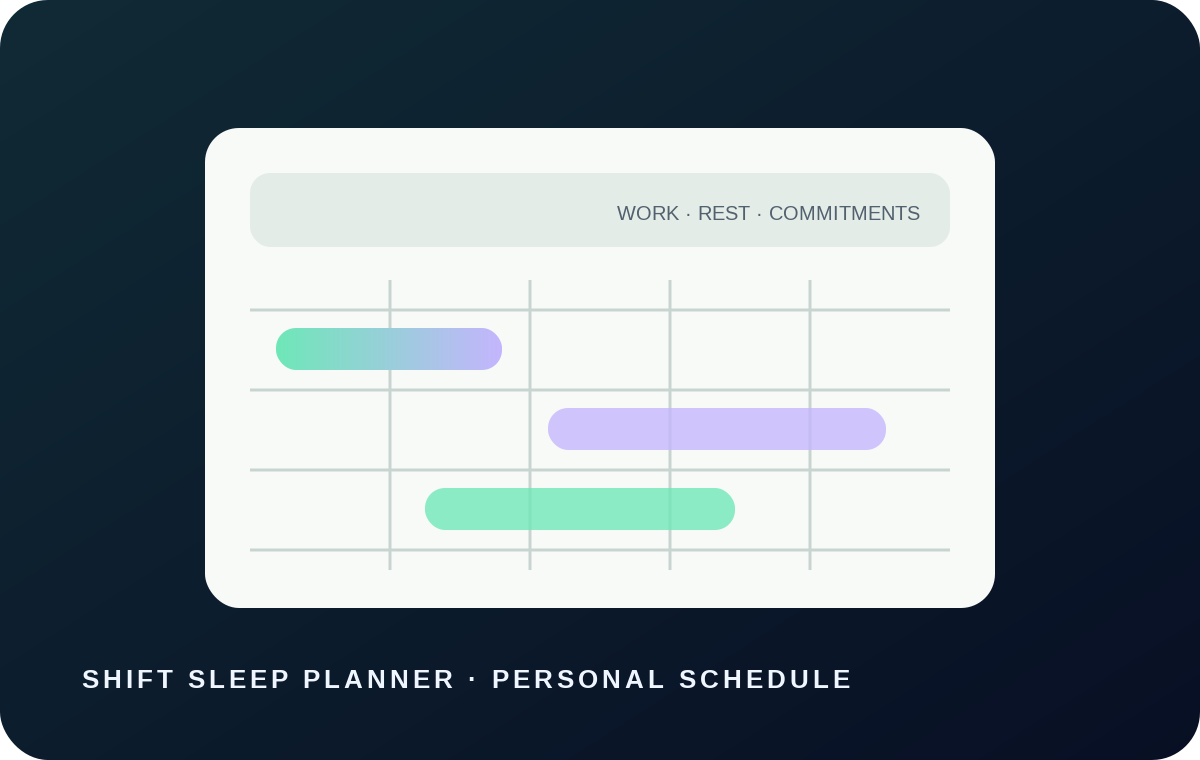
A shift plan generator can turn a set of shifts into a calendar view, but generated output is only as reliable as the information entered. Overnight duties, daylight-saving changes, split shifts, and incomplete schedules can all create errors. Treat the first result as a draft to verify, not an instruction to follow blindly.
Enter precise source information
Start from the employer’s current roster or another authoritative schedule. Check the date, local time zone, start and end times, location, and whether a shift crosses midnight. If a duty is on call or may change, label it clearly. Avoid duplicating events from an old version; a generator cannot determine which source is current unless you tell it.
Review the output around boundaries
Inspect shifts that start late or finish early, especially around month boundaries and clock changes. Confirm that a 22:00–06:00 duty appears on the intended date and that travel or handover is not silently omitted. A visual calendar can make collisions easier to notice, but a clean layout does not prove the information is complete or compliant.
Use a human check for policy questions
A generated timetable cannot interpret every labor agreement, staffing policy, or local regulation. Rest periods, breaks, and overtime rules depend on jurisdiction, occupation, contract, and circumstances. If a schedule raises a safety or legal concern, compare it with the applicable official source and ask a qualified representative or manager. Never use a planning app as a fitness-for-duty clearance.
A practical role for Shift Sleep Planner
Shift Sleep Planner helps you organize personal shift dates and view possible rest opportunities around them. It is designed for planning, not automatic employer scheduling or compliance approval. Use the app to visualize an edited draft, verify it against the roster, and make sure the plan still matches your real commitments before relying on it.
Use a shift plan generator to reduce manual calendar work, then verify every time and boundary. The source roster and applicable workplace rules remain authoritative.
Sources and further reading
- NIOSH — Fatigue and Work · View source
- NIOSH — Training for Nurses on Shift Work and Long Work Hours · View source