
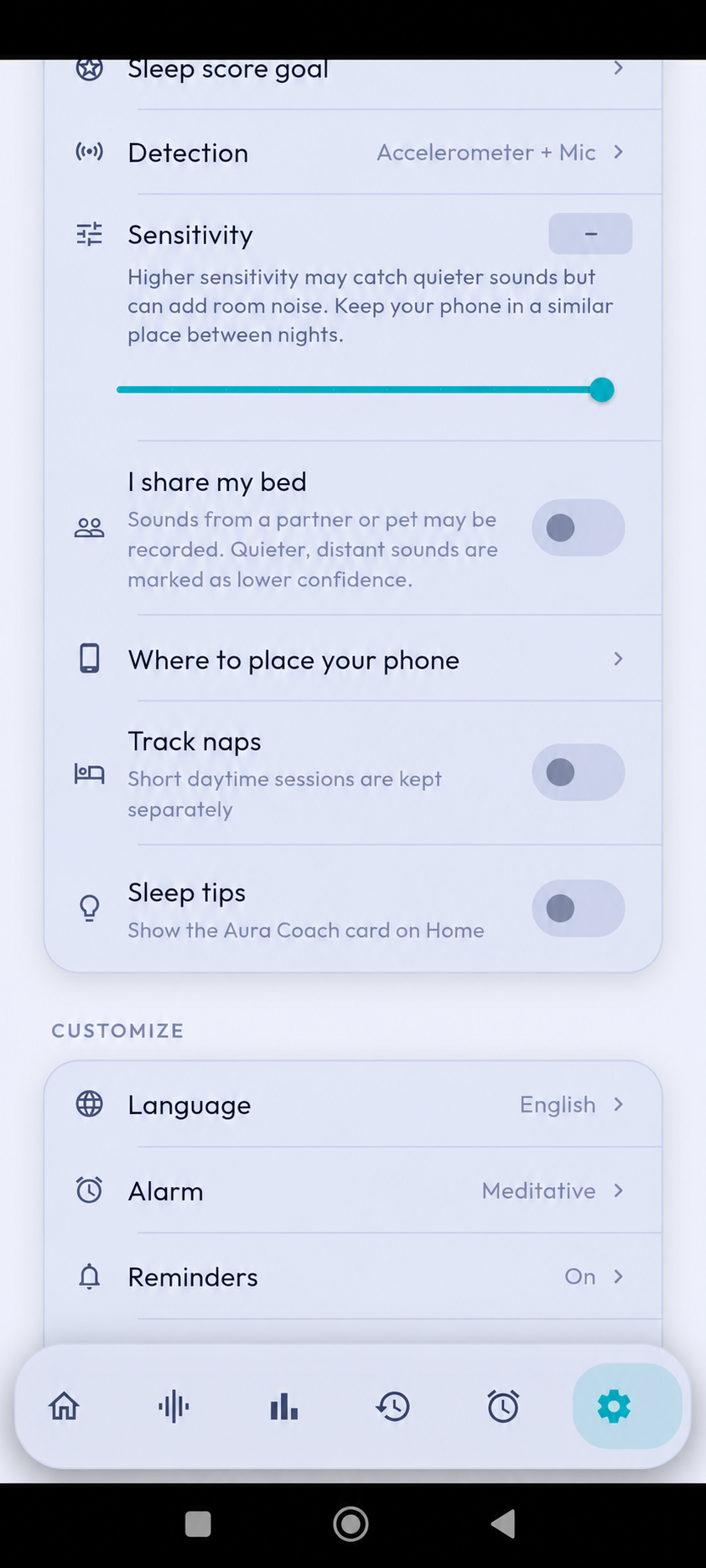
A sleep recorder may capture sounds from your room while a session is active, so it is worth understanding its data practices before enabling it. Review the app’s privacy notice and settings, then decide whether the feature fits your comfort level and household. The questions below can help you make an informed choice; the answers depend on the app and its current configuration.
What does the app capture and when?
Check which sensors or permissions a feature uses, when recording begins and ends, and whether audio or only event summaries are saved. Look for controls that explain sensitivity, background use, and how to pause or stop a session. A settings label alone may not describe every detail, so read the app’s privacy notice and help information.
Consider who else may be audible in the room, including a partner, roommate, guest, or child. If other people could be recorded, think about their expectations and privacy before using the feature. Avoid recording in shared spaces without considering everyone affected.
Where is information stored and how long is it kept?
Look for clear information about whether recordings stay on the device, are backed up, or are sent to a service, and what the app says about retention. Check whether audio clips, event labels, notes, and account information have separate storage or deletion controls. If the explanation is unclear, do not assume that deleting a visible clip removes every copy.
The FTC advises health-app users to review what information an app collects and shares and to use available controls. Read the current AuraSleep Privacy Policy for the product’s stated practices, and revisit it if the app changes or you enable new features.
Can you control access, sharing, and deletion?
Before starting, find how to stop a session, manage microphone permission, remove a clip, and delete or export your records. Check whether sharing is optional and what a report includes. Store any exported file somewhere you control, and review it before sending because it may contain dates, routines, notes, or audio-related details.
Privacy settings can reduce what you keep or share, but they cannot make every recording risk disappear. If you do not want audio captured, leave recording features off and check the device’s permission settings. AuraSleep is a wellness app, not a medical device; its labels and summaries are not a diagnosis.
Before using a sleep recorder, understand what is captured, where it goes, how long it stays, and how to stop or delete it. Consider other people in the room and choose settings that match your privacy preferences.
Sources
- AuraSleep Privacy Policy · View source
- FTC Consumer Advice: Using a Health App · View source