
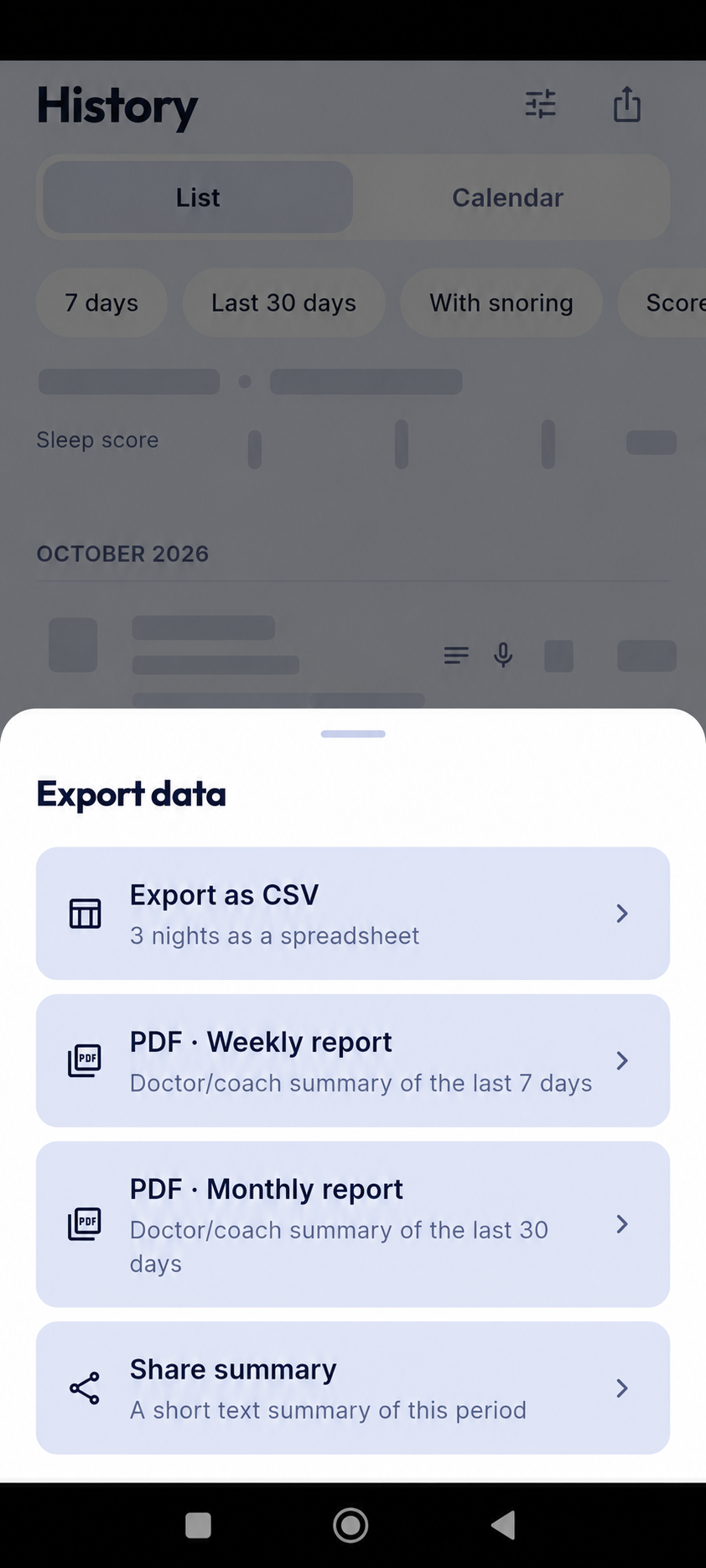
A PDF sleep report can make a period of notes easier to save, print, or review in one place. Before exporting, take a moment to check what the report contains and whether the selected dates match your purpose. Treat it as a personal record of app information and your entries, not as a diagnosis or a complete clinical assessment.
Choose a useful date range
Decide whether you need a short weekly overview or a broader monthly history. A smaller range can be easier to review, while a longer one may show more context. Confirm the dates and included sessions before exporting; an empty or partial period should not be mistaken for a complete history.
If you plan to discuss sleep with a clinician, ask whether a particular timeframe or format would be useful. NHLBI notes that a sleep diary can help a doctor understand sleep and daytime habits. An app-generated report may organize some information, but it may not include everything a clinician needs.
Review the contents before you share
Check the report for personal notes, dates, times, sleep estimates, sound-event summaries, and other details. Remove or exclude anything you do not want someone else to see, if the app offers that option. Do not assume a PDF is anonymous simply because it is a document; details can identify a person or reveal routines.
A sleep score or estimated duration is an app output, not proof of sleep quality or a medical finding. If you notice something that concerns you, use the report to support a conversation rather than self-diagnosis. Keep a copy in a location you control and understand how the file is protected.
Keep the export organized
Use a clear file name that includes the date range without unnecessary personal details. Store only reports you need, and review your device’s backup or sharing settings before sending a file. If an email or printout is involved, check the recipient and pages before completing the action.
A useful export is accurate about its limits. It can gather entries and estimates into a readable format, but it does not validate a sensor or replace advice from a qualified health professional.
Before saving a sleep-history PDF, confirm the date range, review personal information, and choose a private storage location. Use the document as an organized record for yourself or a discussion—not as a diagnosis.
Sources
- NHLBI: Insomnia Diagnosis and Sleep Diary · View source
- NHLBI: Sleep Diary · View source